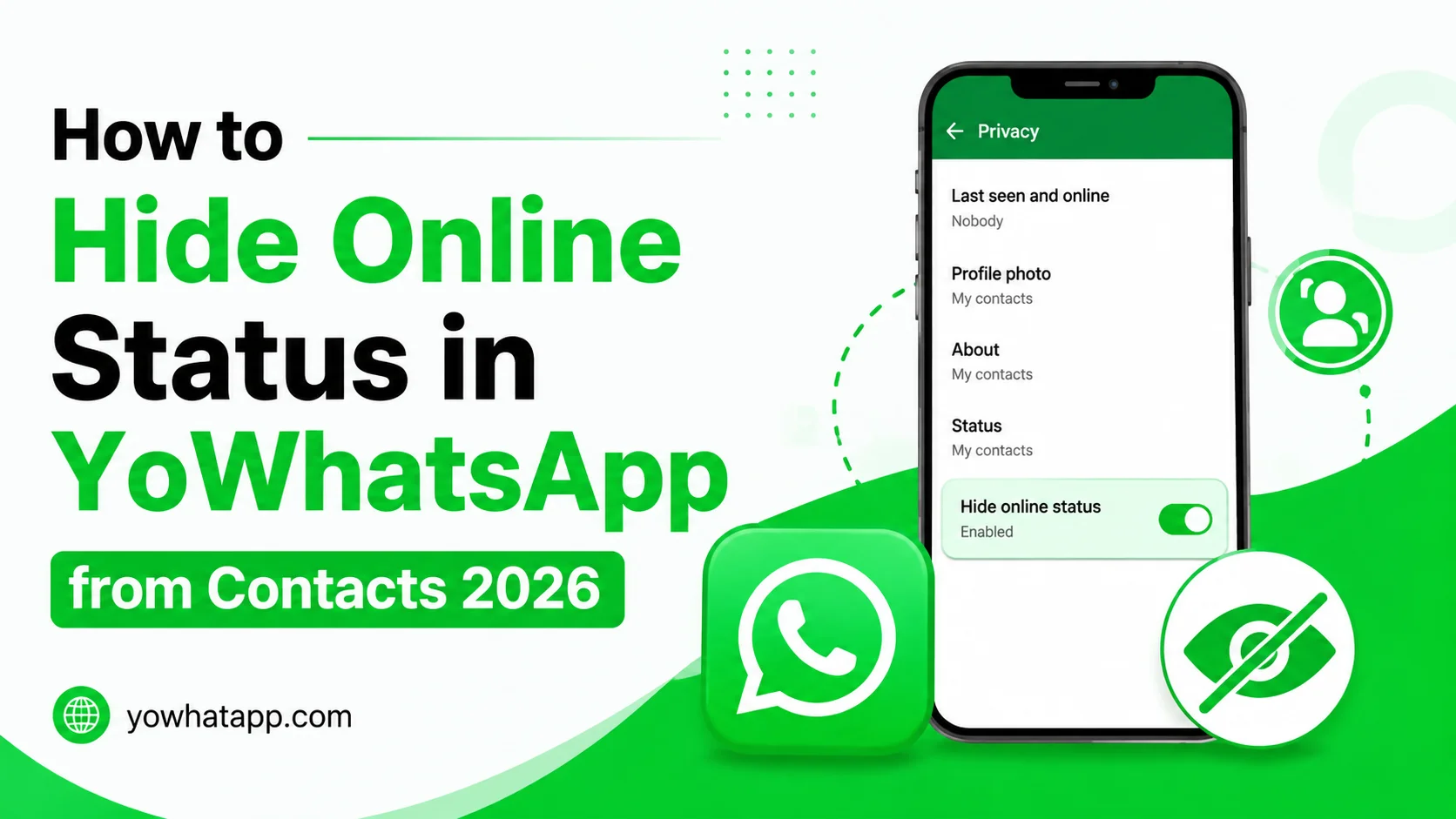
Online status tells other people that you are currently active in the messaging application. While this can be useful, some users prefer to use YoWhatsApp without constantly showing when they are online.
YoWhatsApp may provide privacy options for controlling online visibility. This yowhatapp.com guide explains how to hide your online status from contacts in 2026.
What Is Online Status?
Online status usually appears when a person is actively using the application and connected to the service. It is different from last seen, which shows a previous activity time.
Hiding one does not always hide the other.
How to Hide Online Status
The general steps are:
- Open YoWhatsApp.
- Tap the three dot menu.
- Open YoSettings.
- Go to Privacy.
- Locate Online Status.
- Select the option that prevents contacts from seeing you online.
- Save the setting.
The exact wording depends on your installed version.
Hide Online Status From Specific Contacts
If your version supports contact based privacy controls, you may be able to select specific people.
Open Online Status privacy and look for an option allowing exceptions or selected contacts. Choose the contacts and confirm the setting.
This can be useful when you want additional privacy without completely changing your visibility for everyone.
Combine Online Privacy Settings
For stronger privacy, consider reviewing several settings together.
- Last seen
- Online status
- Blue ticks
- Typing indicator
- Recording indicator
- Profile photo
- About information
- Status updates
YoWhatsApp versions may provide additional options beyond these standard controls.
Why Online Status May Still Appear
If contacts continue seeing you online, verify that the setting is actually active. Restarting the application can sometimes help apply privacy changes.
Other causes can include an outdated version or a privacy option that only affects selected contacts.
Frequently Asked Questions
Many YoWhatsApp versions provide an option for hiding online visibility from everyone.
Some versions provide contact based privacy controls.
No. These settings are usually separate.
Yes. Hiding your online indicator does not normally prevent you from sending or receiving messages.
Group visibility can follow different rules depending on the application’s privacy implementation.
Conclusion
Hiding online status can give you more control over when other people know you are actively using YoWhatsApp. Open the privacy section, configure online visibility, and review related settings for a more private experience. Since YoWhatsApp versions can have different menus, check the privacy section carefully if the option is located somewhere else.