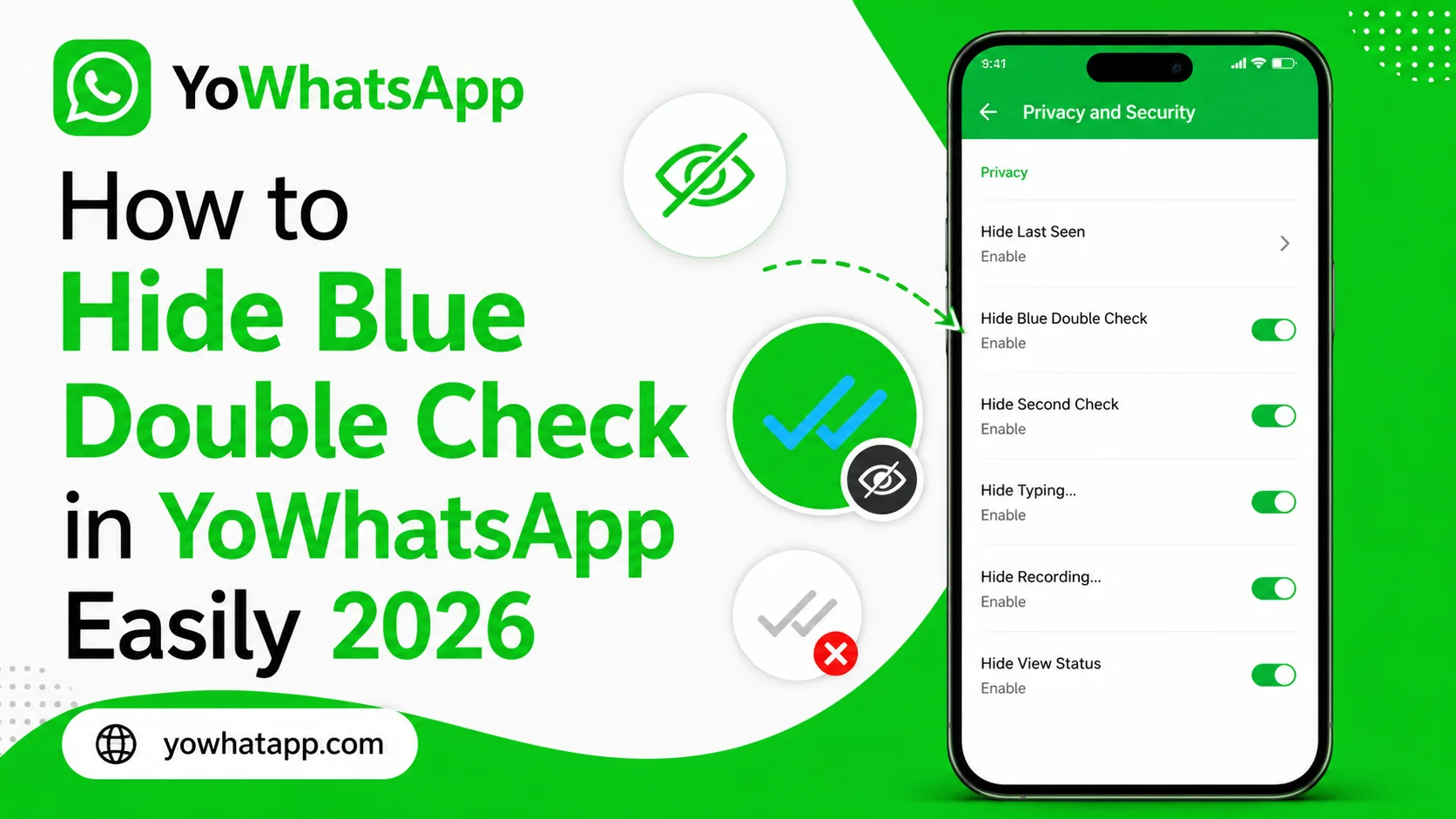
Blue double checks are useful because they tell the sender that a message has been read. However, not everyone wants to provide immediate read confirmation. YoWhatsApp includes privacy controls that may allow users to manage read receipts and blue ticks.
This guide from yowhatapp.com explains how to hide blue double checks in YoWhatsApp in 2026.
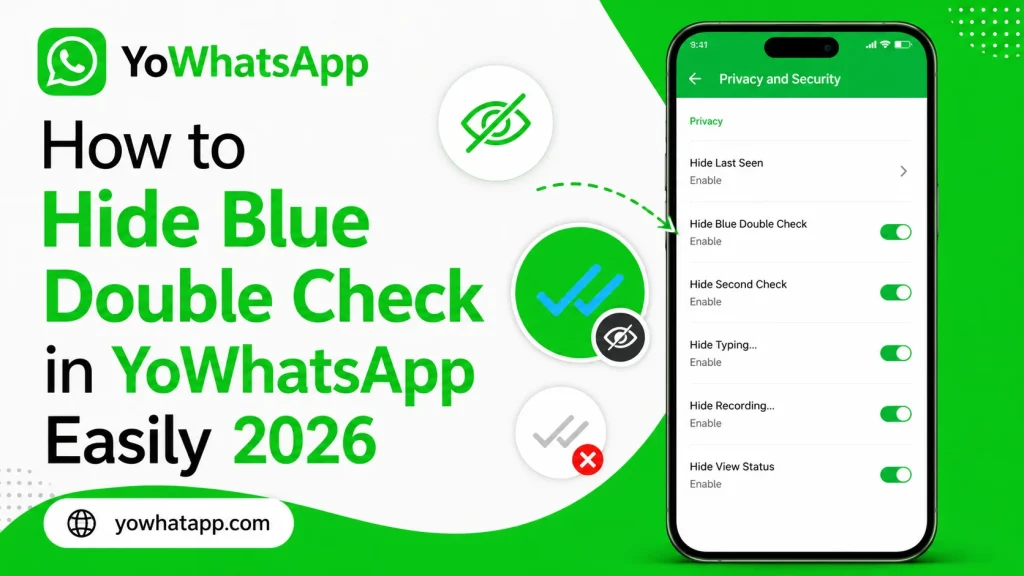
What Are Blue Double Checks?
When a message receives two blue check marks, it generally indicates that the recipient has opened and read the message. Some users prefer to read messages without immediately notifying the sender.
YoWhatsApp may provide additional controls for this purpose.
How to Hide Blue Ticks
Follow these steps:
- Open YoWhatsApp.
- Tap the three dot menu.
- Open YoSettings.
- Select Privacy.
- Look for Read Receipts or Blue Ticks.
- Disable the relevant read confirmation option.
Depending on your version, you may see separate settings for individual chats and group conversations.
Hide Blue Ticks for Specific Contacts
Some YoWhatsApp builds offer more detailed privacy controls. If available, open the blue tick settings and check whether you can select individual contacts.
Choose the contacts you want to restrict and save the changes.
This can provide more flexibility than disabling read receipts for everyone.
What Happens After Disabling Blue Ticks?
When the feature works correctly, contacts may not receive the normal blue confirmation after you read their messages.
However, other indicators can behave differently.
For example:
- Group chats may use separate rules
- Voice messages may have different read indicators
- Online status is controlled separately
- Last seen is controlled separately
If Blue Ticks Still Appear
Try closing and reopening YoWhatsApp. Then check the privacy settings again.
Also make sure that:
- The correct privacy option is disabled
- You are using the latest compatible version
- No conflicting privacy option is enabled
- Your application has normal notification and background permissions
Frequently Asked Questions
Yes. These are generally separate privacy settings.
Depending on your YoWhatsApp version, individual privacy controls may be available.
That depends on the privacy configuration of your version.
Group chat read indicators may work differently from individual conversations.
Yes. Return to the privacy settings and enable the relevant read receipt option.
Conclusion
YoWhatsApp provides users with additional privacy controls that can help reduce read confirmation visibility. By opening the privacy settings and configuring blue tick or read receipt controls, you can manage how your reading activity is displayed. If the option behaves differently, check your specific version because YoWhatsApp features can change between releases.