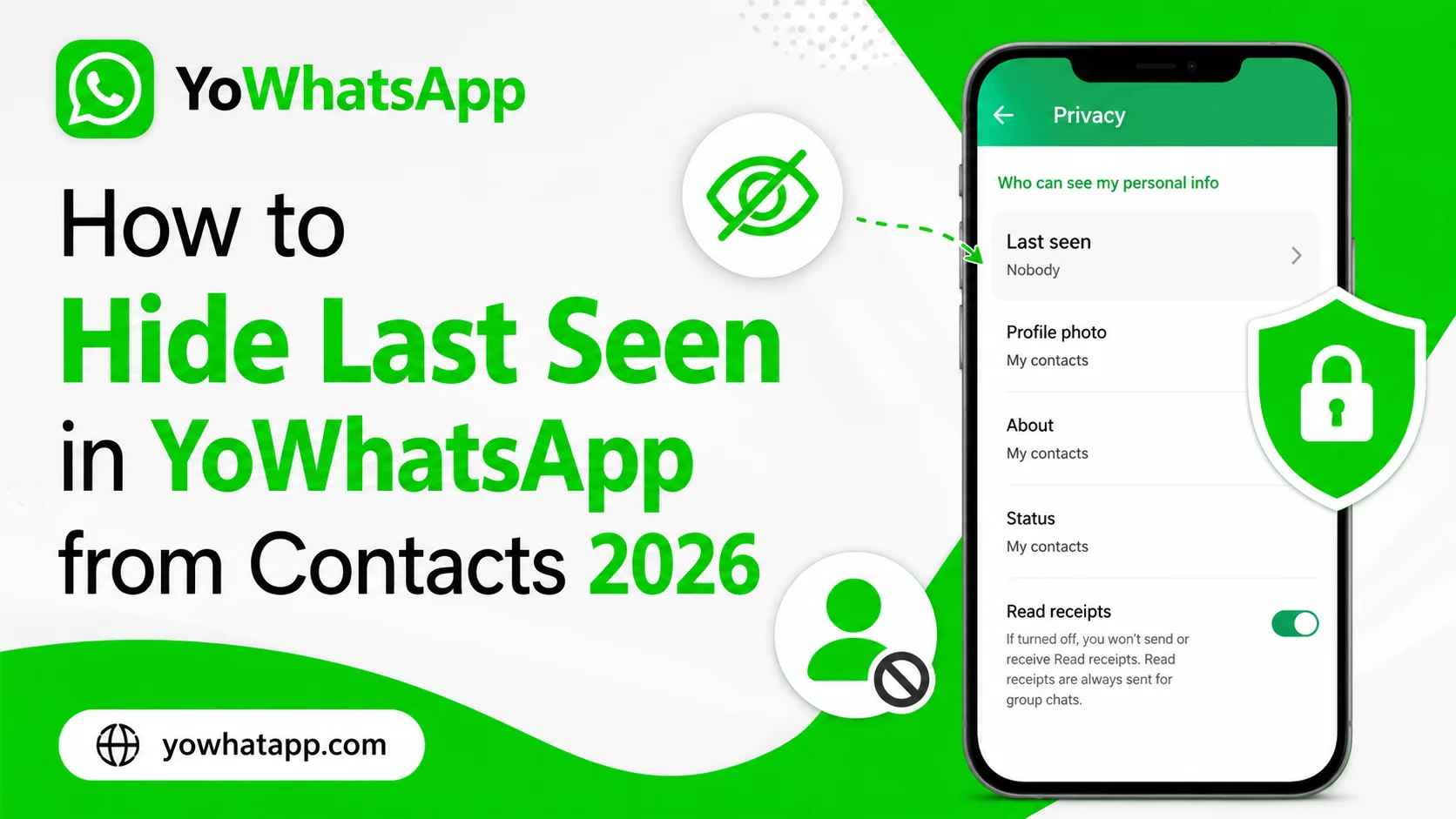
Privacy is one of the main reasons people explore YoWhatsApp. One particularly useful privacy setting is the ability to control who can see your last seen information. Last seen can reveal when you were previously active, which some users prefer to keep private.
In this guide, yowhatapp.com explains how to hide last seen in YoWhatsApp APK from contacts in 2026 and how different privacy choices affect your account.
What Does Last Seen Mean?
Last seen indicates the most recent time your account was active in the messaging application. It is different from your online status. Someone can potentially see that you were online while your last seen information remains hidden, depending on your privacy settings.
YoWhatsApp can provide additional controls depending on the version installed.
How to Hide Last Seen
The general process is:
- Open YoWhatsApp.
- Tap the three dot menu.
- Select Settings or YoSettings.
- Open Privacy.
- Find Last Seen.
- Choose Nobody if you want to hide it from everyone.
- Choose a contact based option if your version provides one.
Some versions may offer additional privacy controls.
Hide Last Seen From Specific Contacts
If your YoWhatsApp version supports individual privacy controls, you may be able to exclude selected contacts.
Open the Last Seen privacy setting and look for an option that allows selected contacts. Choose the people from whom you want to hide your last seen information and save the setting.
This is useful if you want most contacts to see your activity while keeping it private from specific people.
Last Seen and Online Status Are Different
Changing your last seen setting does not necessarily hide your online indicator.
For stronger privacy:
- Configure Last Seen separately
- Check the Online Status option
- Review read receipt settings
- Review profile photo visibility
- Check status privacy
These settings can work together to provide more control over your visibility.
Why the Setting May Not Work
If someone can still see your activity, check whether the privacy setting was saved correctly.
Possible reasons include:
- Your YoWhatsApp version uses a different privacy menu
- The application needs to restart
- The setting only controls last seen and not online status
- A customization setting is overriding the normal privacy behavior
- Your installation is outdated
Frequently Asked Questions
Yes, if your version provides the Nobody option.
Some YoWhatsApp versions provide individual contact privacy controls.
Not necessarily. These are separate privacy indicators.
Yes, unless you change profile photo privacy separately.
Privacy settings can affect what information you see about other users as well, depending on the configuration.
Conclusion
Hiding last seen in YoWhatsApp 2026 is a simple way to improve everyday privacy. Open the privacy settings, select the appropriate last seen option, and configure additional online privacy controls if necessary. Always remember that menu names can change between versions, so the exact location of a setting may be different.