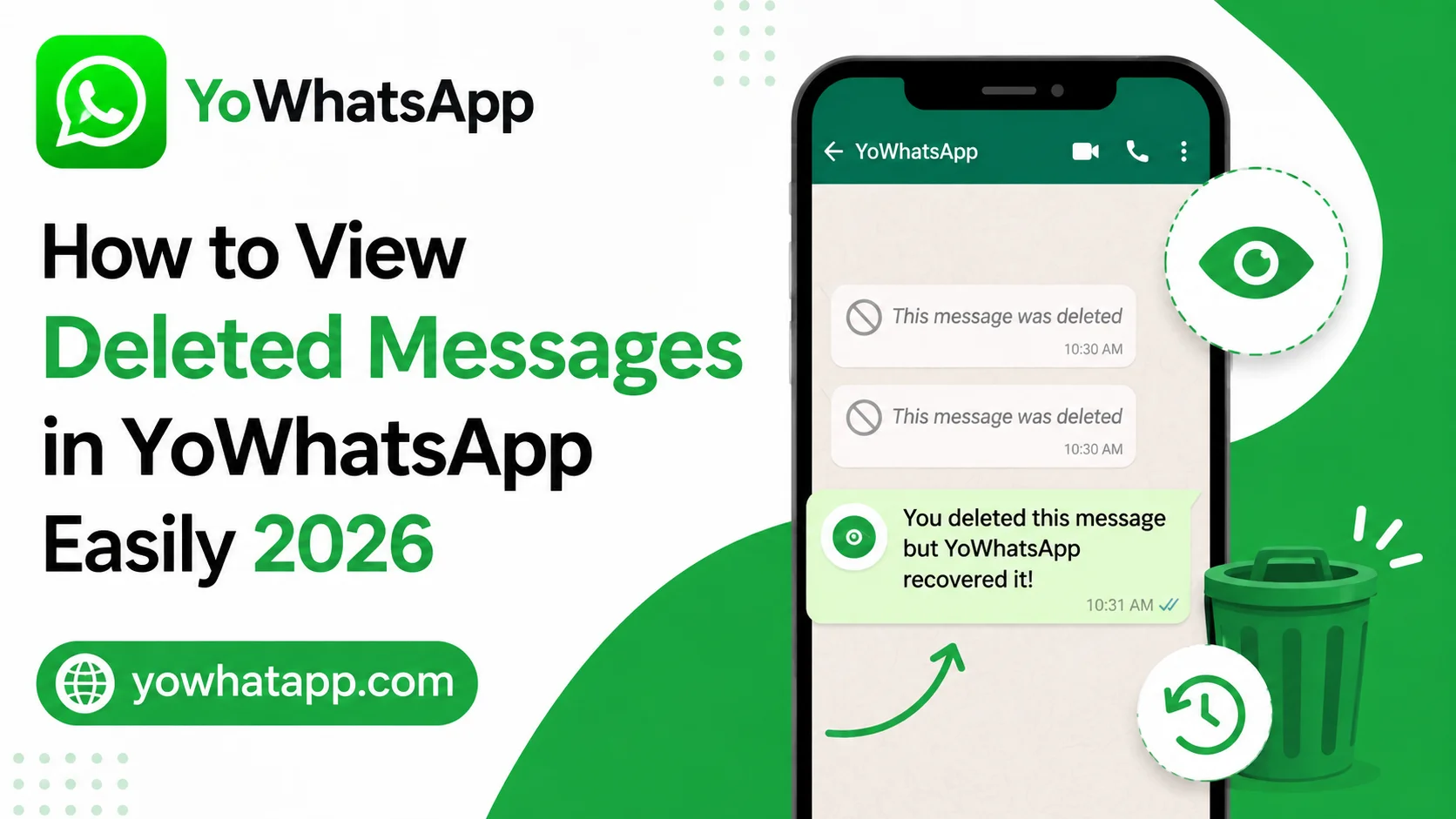
YoWhatsApp is popular among users who want additional privacy and customization options while chatting. One of the useful features available in many YoWhatsApp versions is the ability to view messages that a sender has deleted. If someone sends you a message and later removes it using the delete for everyone option, YoWhatsApp may keep a record of that message depending on the privacy settings and version you are using.
This guide from yowhatapp.com explains how to view deleted messages in YoWhatsApp in 2026, how the feature works, and what you should check if deleted messages are not appearing.
What Are Deleted Messages in YoWhatsApp?
Normally, when a sender deletes a message for everyone, the message is replaced with a notice indicating that it was deleted. YoWhatsApp may provide an anti delete messages feature that can preserve certain messages before they disappear.
The feature generally works by allowing YoWhatsApp to retain incoming message information locally. Because the message needs to reach your device first, it is important to have the relevant privacy feature enabled before the sender deletes the message.
How to Enable Anti Delete Messages
Follow these general steps:
- Open YoWhatsApp on your Android phone.
- Tap the three dot menu.
- Open YoSettings.
- Look for Privacy or Privacy and Security.
- Find the Anti Delete Messages option.
- Enable the feature.
- Close and reopen YoWhatsApp if necessary.
The exact menu names can vary between YoWhatsApp versions.
How to View Deleted Messages
After enabling the feature, continue using YoWhatsApp normally. If someone sends a message and deletes it later, YoWhatsApp may retain the content.
To check:
- Open the conversation.
- Find the location where the deleted message appeared.
- Check whether the original message remains visible.
- If YoWhatsApp provides a deleted message section, open it.
- Read the preserved message from there.
The feature does not guarantee recovery of every deleted message. Messages that never reached your device generally cannot be recovered.
Why Deleted Messages May Not Appear
Several things can prevent the feature from working.
- Anti delete messages was disabled before the message arrived
- YoWhatsApp did not have the required notification or storage permission
- The message was deleted before YoWhatsApp processed it
- Your current version does not support the feature
- The message was sent using a format that the feature cannot preserve
- The application was restricted from running in the background
Things to Remember
Deleted message recovery should be treated as a privacy feature rather than a guaranteed recovery system. It is also important to respect other people’s privacy. If a person intentionally removes a message, avoid using preserved content in a way that could create a privacy issue.
yowhatapp.com recommends keeping your application settings organized and reviewing privacy permissions regularly.
Frequently Asked Questions
No. The feature depends on the version, settings, permissions, and whether the message reached your device before deletion.
Usually not. Anti delete features generally need to be active when the message is received.
The sender normally does not receive a special notification simply because your application preserved a message.
Some versions may preserve certain media, but results vary. Media must generally have reached your device before deletion.
YoWhatsApp is primarily associated with Android based installations. iPhone versions and feature availability can differ significantly.
Conclusion
Viewing deleted messages in YoWhatsApp APK can be convenient when important information disappears from a conversation. By enabling the anti delete feature before messages are removed, you may be able to keep certain messages visible. However, the feature depends on your version, permissions, and message type. Always use privacy features responsibly and keep your YoWhatsApp settings properly configured.